What “Variable Frequency Drive Installation: Cable, Earthing and EMC” means on an RFQ
“Variable Frequency Drive Installation: Cable, Earthing and EMC” only becomes a model code after you fix FLA (or pump kW), overload window and whether the site is solar-fed.
RFQ data that locks voltage and power class
For “Variable Frequency Drive Installation: Cable, Earthing and EMC”, send motor nameplate voltage, phases, kW/HP, FLA, poles and duty. Add ambient, altitude, cabinet IP vs motor-mounted IP65, overload window and fieldbus.
Control functions that change field behaviour
For “Variable Frequency Drive Installation: Cable, Earthing and EMC”, set overload class, ramp times and stop mode to match the mechanical load — then decide whether fieldbus or analogue I/O is the plant standard.
Site, EMC and protection notes
For “Variable Frequency Drive Installation: Cable, Earthing and EMC”, write ambient, altitude and cable length on the RFQ — those three change frame size and option codes more than brand preference.
How Boray series map to this topic
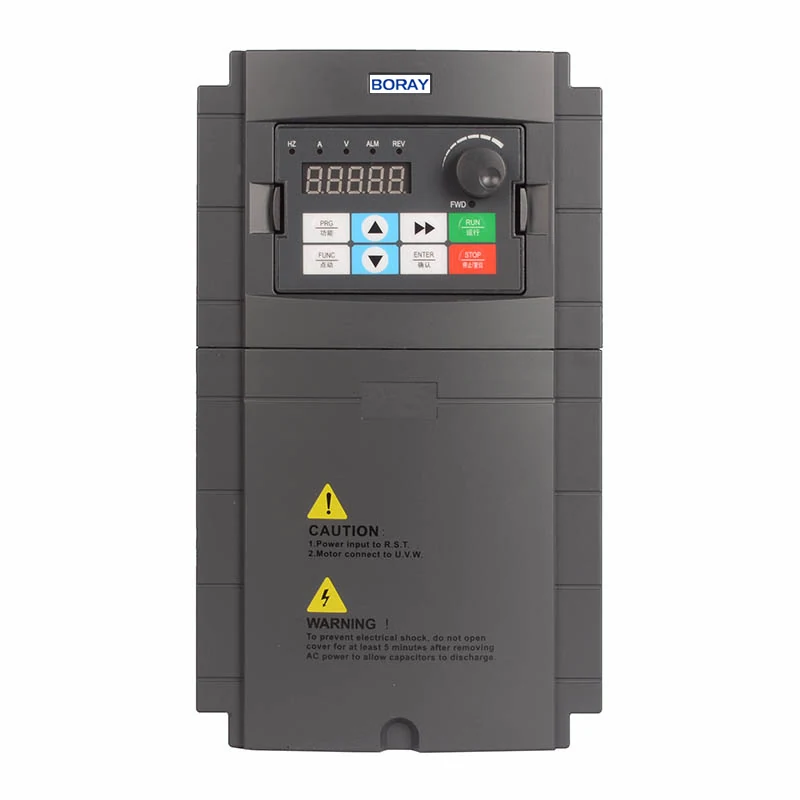
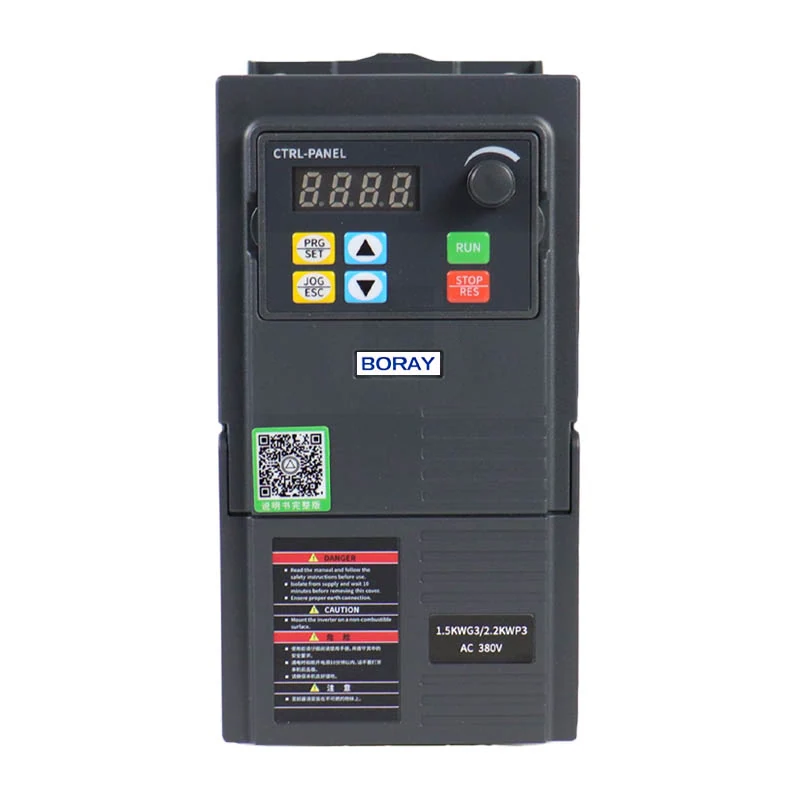
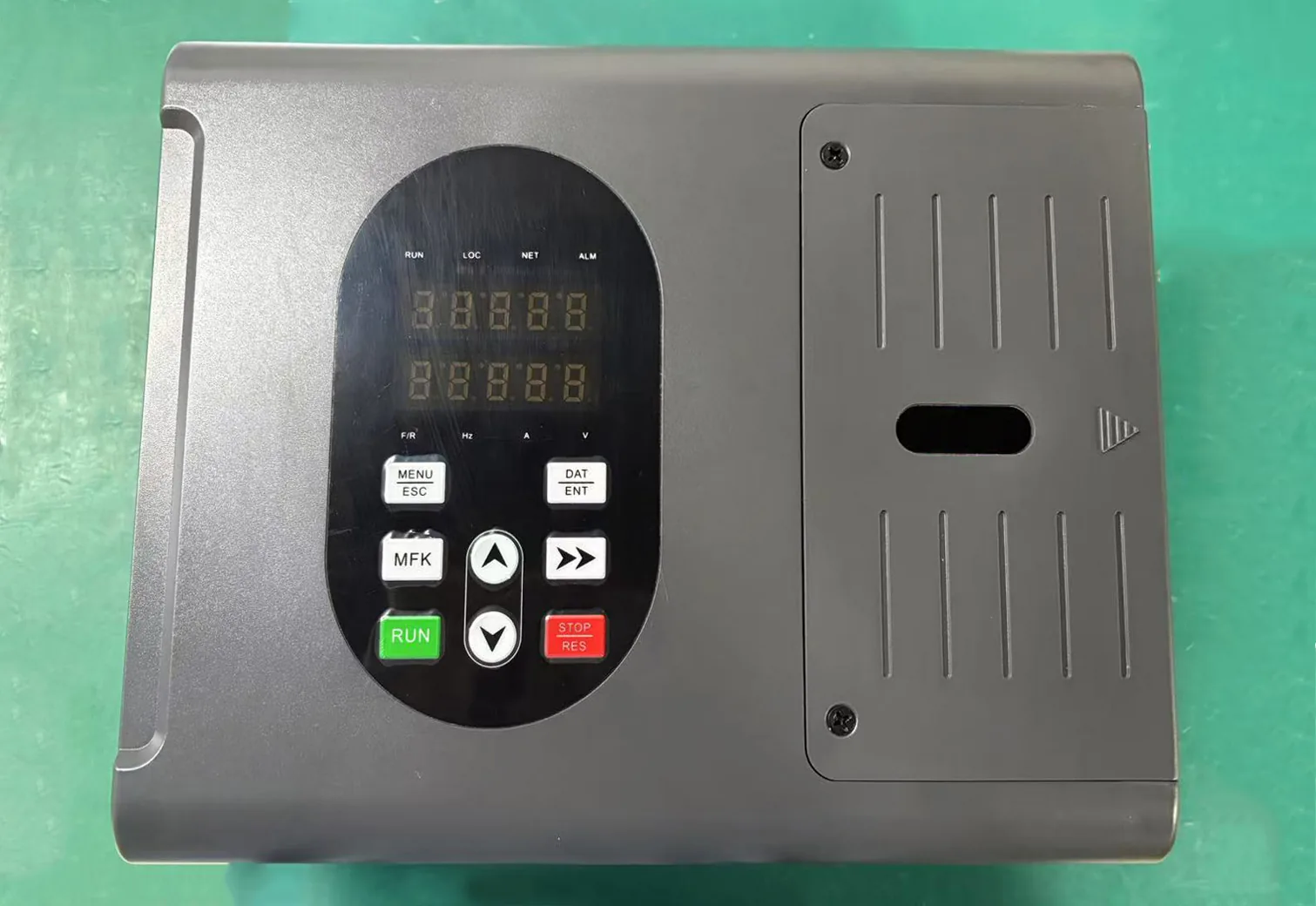
Start “Variable Frequency Drive Installation: Cable, Earthing and EMC” with BR100 for compact low-kW OEM panels, BR110 for general industrial vector, AD1000PLUS for high-power/PM precision, FD500 for motor-mounted IP65, FS200/FS300 for constant-pressure pump skids.
Next step with Boray
Send the nameplate photo, duty description and site photos for “Variable Frequency Drive Installation: Cable, Earthing and EMC”. Engineering will confirm series and options.